Campus Map Campus Maps Parking Parking Welcome Center Welcome Center Parking Schedule a Tour
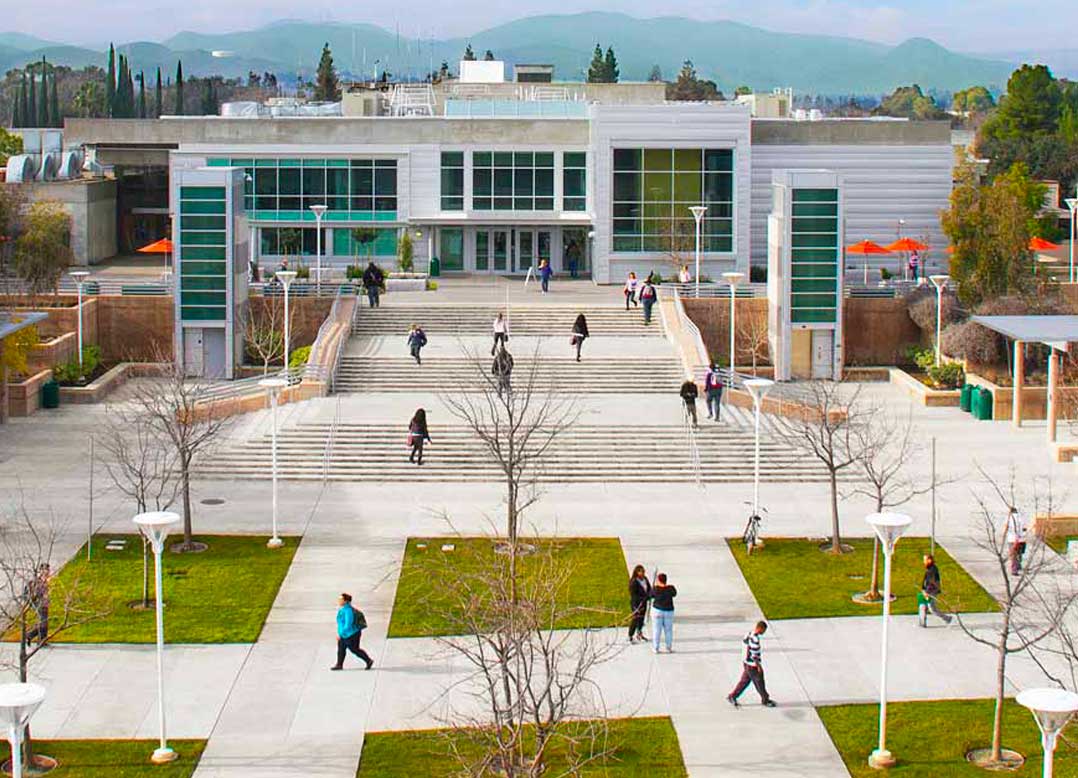
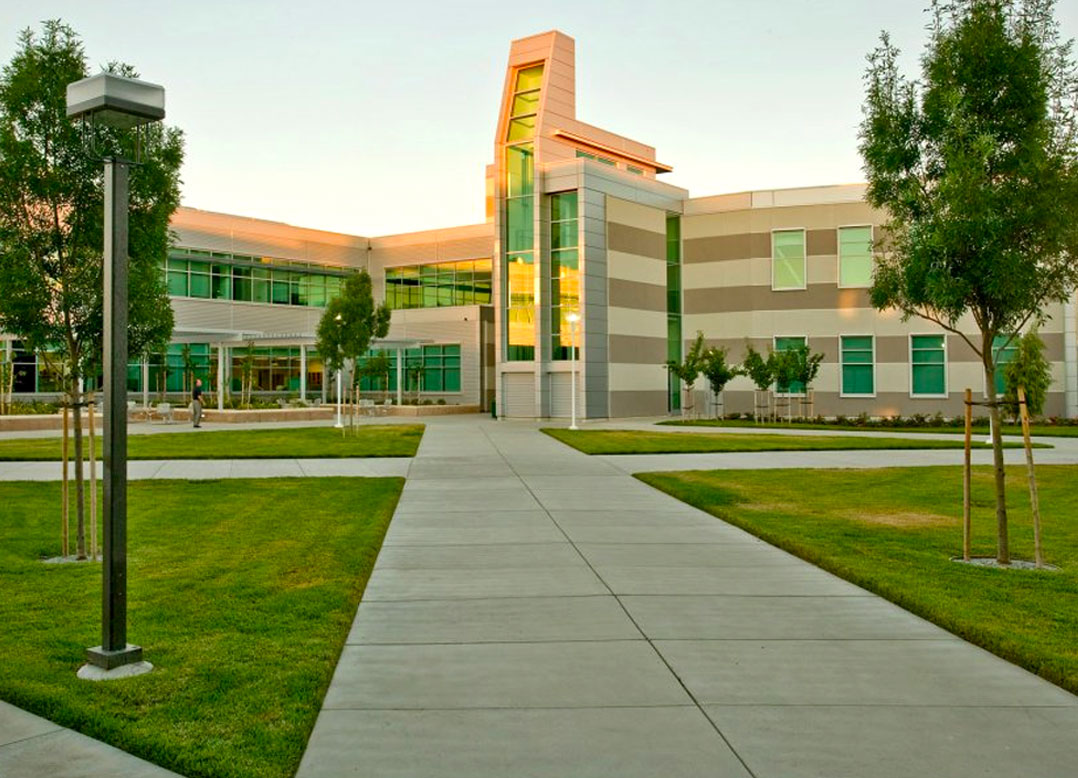
Explore our campus!
~ New interactive maps starting Fall 2026 ~
The Los Medanos College Interactive Campus Map helps students, employees, and visitors find buildings, services, classrooms, parking, and campus resources. Use the Pittsburg and Brentwood maps to explore campus, search for destinations, browse categories, and get directions to locations across the two campuses.LMC serves two locations in East Contra Costa County
Pittsburg Campus:
2700 East Leland
Pittsburg, CA 94565
(925) 439-2181
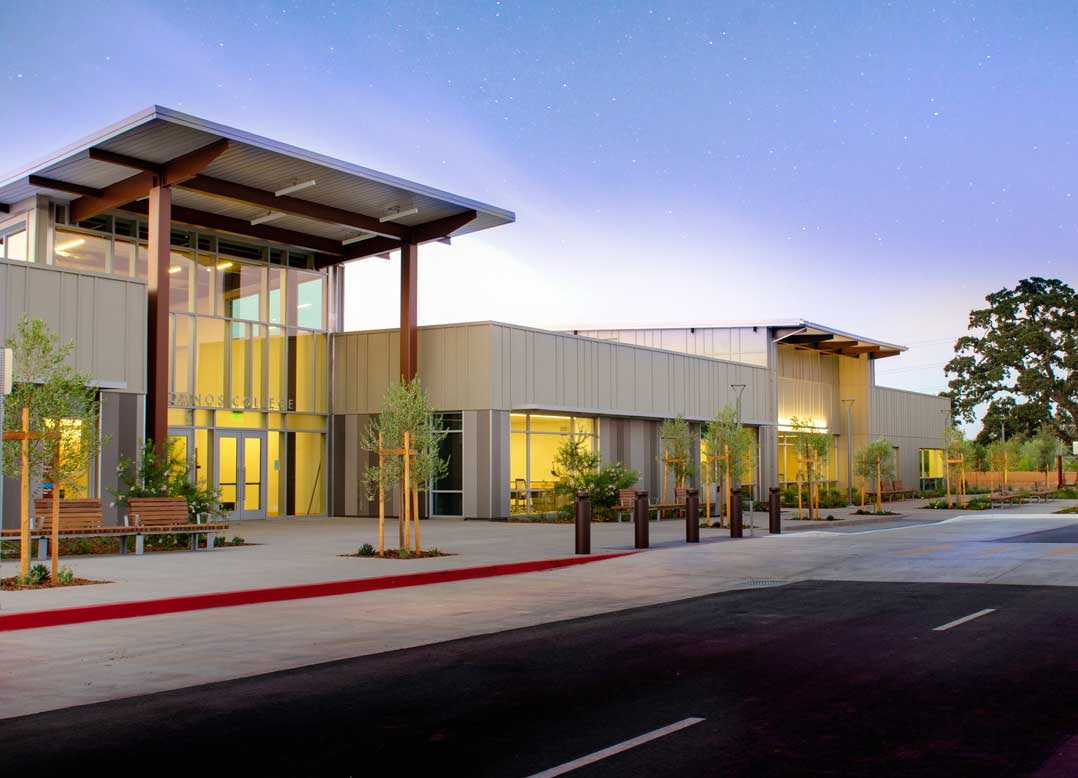
Brentwood Center:
1351 Pioneer Square
Brentwood, CA 94513
(925) 513-1625

Moving Around the Map
- Click and drag to move around the campus.
- Scroll or use the + / − buttons to zoom in and out.
- On mobile devices, use pinch-to-zoom gestures to navigate the map.
Navigating Building Levels
Some campus buildings have multiple floors. The map allows you to view different levels within a building.
- Locate the Floors button.
- Use the Up and Down arrows to move between building levels.
- The map will update to display rooms, offices, classrooms, and services located on the selected floor.
Tip: If you do not see your destination on the current floor, try switching to another level using the Floors button.
Resetting the View
Click the Home button at any time to return to the default campus view.
Finding Locations
Use the search bar to quickly locate:
- Buildings
- Classrooms
- Offices
- Student services
- Campus amenities
- Parking areas
- Athletic facilities
- Events and points of interest
Select a result from the search list to view location details and see it highlighted on the map.
Exploring Categories
Categories help you quickly find places, services, resources, and destinations across campus.
Available Categories
- Academics
- Student Life
- Student Services
- Administration
- Athletics & Fitness
- Buildings
- Classroom Locator
- Parking
- ADA Accessibility
- Events
- Panoramas
- Campus Amenities
- Safety
How to Use Categories
- Open the Categories menu.
- Select the category that best matches what you're looking for.
- Browse the locations listed within that category.
- Select a location to view more information and directions.
- Clear your selection to return to the full campus map.
Tip: Categories are a great way to discover resources and services you may not know about, especially if you're new to campus.
Getting Directions
The map includes wayfinding tools to help you navigate campus.
To Get Directions
- Search for your destination or select a location from a category.
- Click the Directions button.
- Enter your starting location or use your current location.
- Review the suggested route.
- Follow the highlighted path to your destination.
Popular Uses
Use directions to find:
- Classrooms and labs
- Student Services
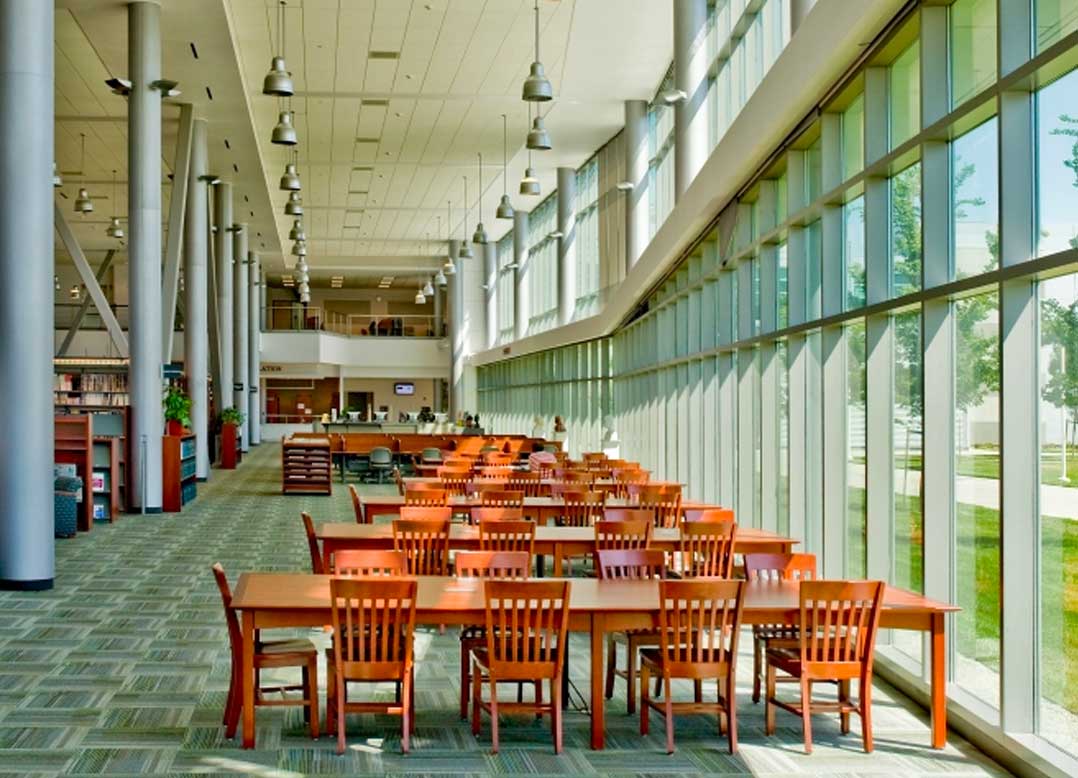
- The Library
- Transfer & Career Services
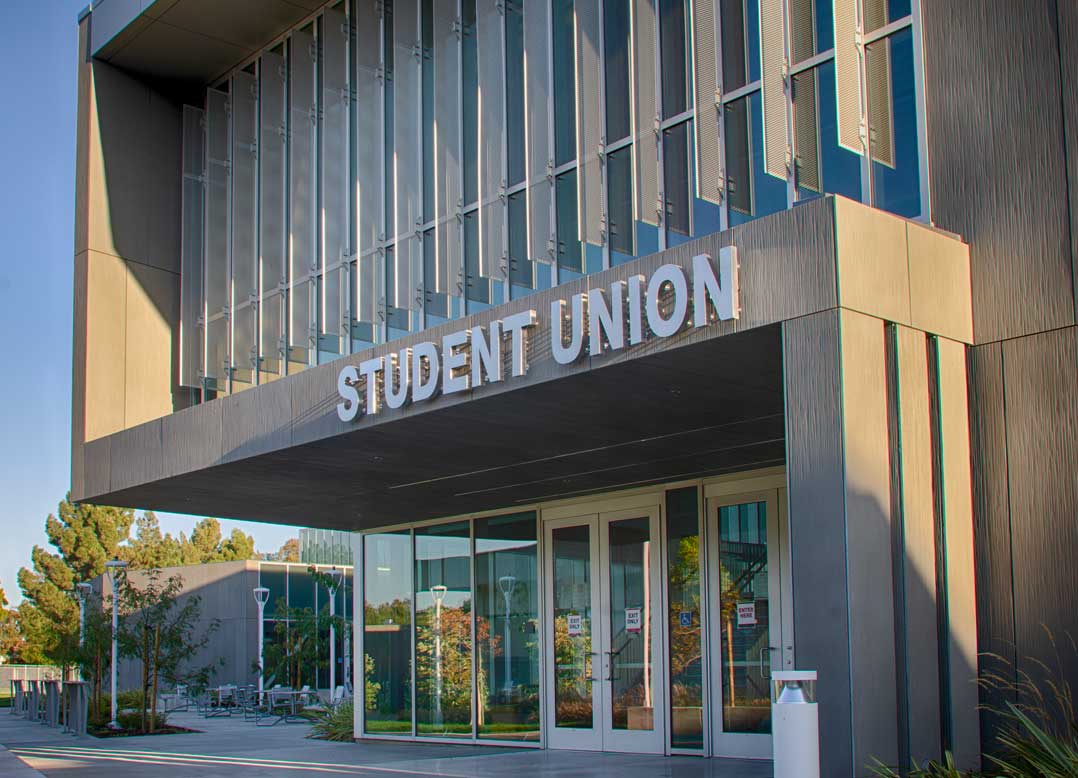
- The Student Union
- Athletic facilities
- Parking areas
- Campus events
Mobile-Friendly Navigation
The interactive map works on smartphones and tablets, making it easy to find your way around campus while you're on the go.
- Search for locations from your device.
- Zoom in for building-level details.
- Switch between floors using the Floors button.
- Get directions while walking across campus.
- Quickly locate services, events, classrooms, and campus resources.
Need help? Visit the Welcome Center or Student Services for assistance using the Los Medanos College Interactive Campus Map.
Police and Campus Safety
Police and Campus Safety
Explore the campus!